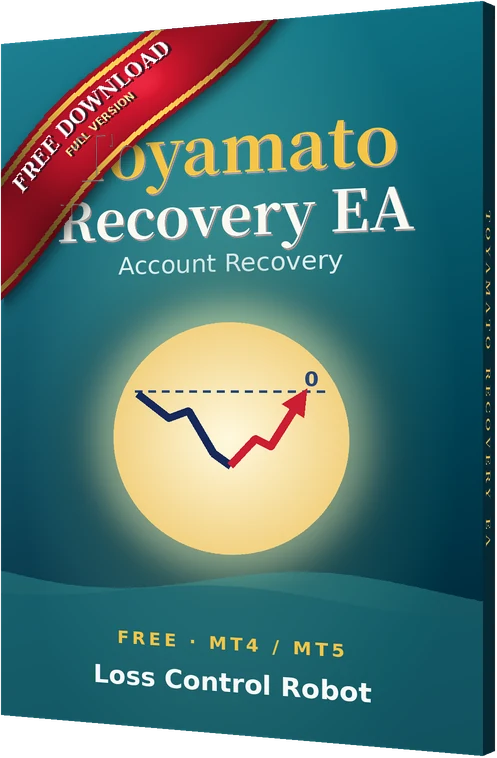
Toyamato Recovery EA FREE
A free robot for an account that is already in a loss. After you press START, it takes over the open trades of the account – opened by any robot or by hand – and works to bring the account back to zero loss within a time limit (14 days by default). If that does not work, it closes everything with the smallest loss it can find, and a drawdown limit stops it before the account gets much worse.
- PriceFree
- PlatformsMT4 + MT5
- Time limit14 days (1–30)
It tries to reduce the loss – the account can also get worse
Toyamato Recovery EA is a free tool, not a rescue guarantee. It cannot promise to win back a loss: the market can keep going against the old trades, and the account can lose more after the start – up to the drawdown limit (30% by default), and more during gaps, fast markets or broker problems.
Test it on a demo account first: open a few losing trades by hand, press START and watch what the robot does.
How does it work?
- You start it. Turn off every other robot, put Toyamato Recovery EA on one chart and press START RECOVERY. Nothing happens before you press it. It starts only if the account drawdown is not above 20% – it needs room to work.
- It takes stock. It deletes all pending orders of the account and records the balance, the equity and the drawdown at start. Every open trade that the robot did not open is an “old trade”.
- It stops the loss from growing. When the H1 trend goes against the old trades, before high-impact news and on Friday evening, it hedges them on their own symbol with an opposite trade of the same lot.
- It works to win back the loss. When the market turns back, it closes the hedge in profit. When the old trades and the hedge of a symbol are together in profit, it closes all of them. On its own chart it can trade its own signals with a small, limited grid – the lot never increases.
- It closes at zero – or with the smallest loss. When the equity is back at the balance at start, it closes everything. In the last 20% of the time limit it closes at the best moment it gets; at the end of the time limit it closes everything.
Stops on the old trades
Old trades that have no TP get a break-even TP: the price where the whole basket of that symbol closes at zero. A buy TP is hit by the Bid and a sell TP by the Ask, so the spread is included; commission and swap are added too. Old trades without SL get a safety SL at the drawdown limit. These stops are kept at the broker, so they work even when your computer or MetaTrader is off. While a symbol is hedged, the robot removes its own stops (the hedge locks the loss) and puts them back after the hedge is closed. A TP or SL that you set yourself is never changed.
Drawdown protection
The DD stop follows the best (smallest) drawdown reached so far: best DD + half of it, at least 3% more, never above the drawdown limit (30%). It can only tighten, never loosen. When the drawdown reaches the DD stop, everything is closed.
| Best drawdown so far | DD stop |
|---|---|
| 20% (start) | 30% |
| 15% | 22.5% |
| 10% | 15% |
| 5% | 8% |
| 0% | 3% |
Features
Hedging instead of panic
The loss of the old trades is locked with a hedge of the same lot when the market goes against them – no lot increase, ever.
Break-even TP and safety SL
Broker-side stops on old trades that have none, so the account is protected even when MetaTrader is off.
Time limit and best exit
14 days by default (1–30). In the last part it looks for the best moment to close, then closes everything.
News and weekend
Hedges before high-impact news and on Friday evening. No new own trades 2 hours before and 1 hour after the news. The calendar is downloaded at most every 15 minutes, never on every tick.
Clear panel with warnings
Start values, goal, DD stop, days left, positions and the result at close. A red warning if another robot opens a trade or trading is not allowed.
14 languages
English by default, plus 13 more languages, like the other Toyamato tools.
Specifications
| Platform | MetaTrader 4 and MetaTrader 5 (MT5: hedging account) |
|---|---|
| Type | Recovery EA – manages the open trades of the whole account |
| Start | Only with the START button, at an account drawdown of max. 20% |
| Goal | Close the account at zero loss compared with the balance at start |
| Protection | Drawdown limit 30%, trailing DD stop, break-even TP and safety SL on the old trades |
| Own trades | Chart symbol only, small limited grid, 0.01 lot per 400 of equity, the lot never increases |
| News | ForexFactory calendar (allow https://nfs.faireconomy.media in WebRequest) |
| Languages | 14 (English by default) |
| Price | Free |
After the recovery: Account Guardian FREE
When the account is back on track, keep it protected: Toyamato Account Guardian closes every trade when the equity drawdown reaches your limit. Both are free.
Account Guardian →Getting started
- Download the MT4 or MT5 version and the PDF manual from the Downloads page.
- Copy it into the
Expertsfolder (File > Open Data Folder > MQL4 / MQL5 > Experts). Allowhttps://nfs.faireconomy.mediaunder Tools > Options > Expert Advisors > Allow WebRequest, then restart MetaTrader. - Turn off every other robot on the account. Attach Toyamato Recovery EA to one chart, tick Allow live trading and switch on AutoTrading.
- Check the drawdown on the panel and press START RECOVERY. Test it on a demo account first.