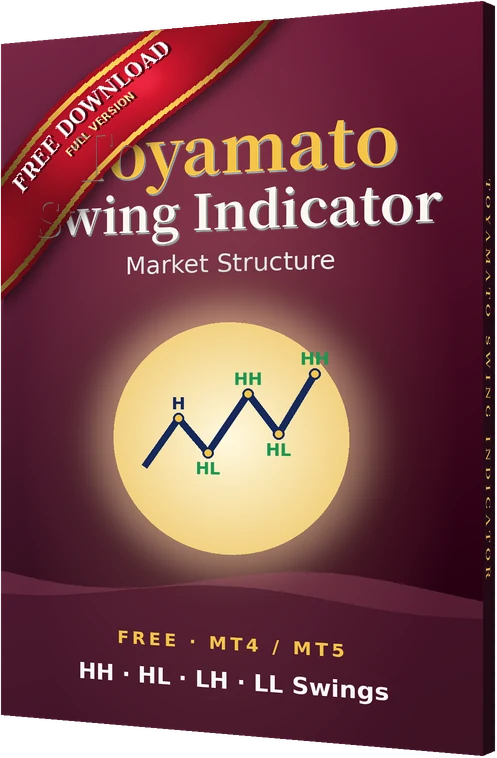
Toyamato Swing Indicator FREE
A market structure indicator for MetaTrader 4 and 5. It marks the swing highs and lows with HH / HL / LH / LL labels, connects them with a zigzag, and draws a BUY or SELL arrow when a candle closes beyond the last swing high or low – the moment the trend structure changes.
- PriceFree
- PlatformsMT4 + MT5
- Use onAny symbol · M5–D1
A free analysis tool – not a trade recommendation. Toyamato Swing Indicator does not open trades, and not every signal works. Test it on a demo account first.
How does it work?
- Swings. A candle is a swing high when its high is above the highs of the 5 candles on each side (adjustable 2–20); a swing low is the mirror. Highs and lows always alternate.
- Labels. Each swing is compared with the previous one of the same type: higher high HH, lower high LH, higher low HL, lower low LL. HH + HL = up-trend structure, LH + LL = down-trend structure.
- Arrows. BUY when a candle closes above the last confirmed swing high after a downward break, SELL when a candle closes below the last confirmed swing low after an upward break.
- Levels. Dotted lines show the last swing high and low with their prices – the levels whose break gives the next arrow.
Features
HH / HL / LH / LL labels
See the market structure at a glance on any symbol and timeframe.
Zigzag and swing levels
The swings are connected, and the last swing high and low are marked with their prices.
Trend change arrows
BUY / SELL arrows on the closed candle that breaks the last swing level, with alerts to the terminal, phone or e-mail.
Clear panel
Structure trend, last swing high and low, their distance in pips, last signal, next news and spread – in 14 languages.
Specifications
| Platform | MetaTrader 4 and MetaTrader 5 |
|---|---|
| Signals | Close beyond the last swing high / low (closed candles only) |
| Swing strength | 5 candles on each side (2–20) |
| Alerts | Arrows, optionally every new swing |
| Repaint | No – signals on closed candles only |
| News | ForexFactory calendar lines (Allow DLL imports, or a running Toyamato EA) |
| Languages | 14 (English by default) |
| Price | Free |
Getting started
- Download the MT4 or MT5 version and the PDF manual from the Downloads page.
- Copy it into the
Indicatorsfolder (File > Open Data Folder > MQL4 / MQL5 > Indicators) and restart MetaTrader. - Drag it onto a chart. For the news lines tick Allow DLL imports.
- Choose your language and settings – and watch it on a demo account first.