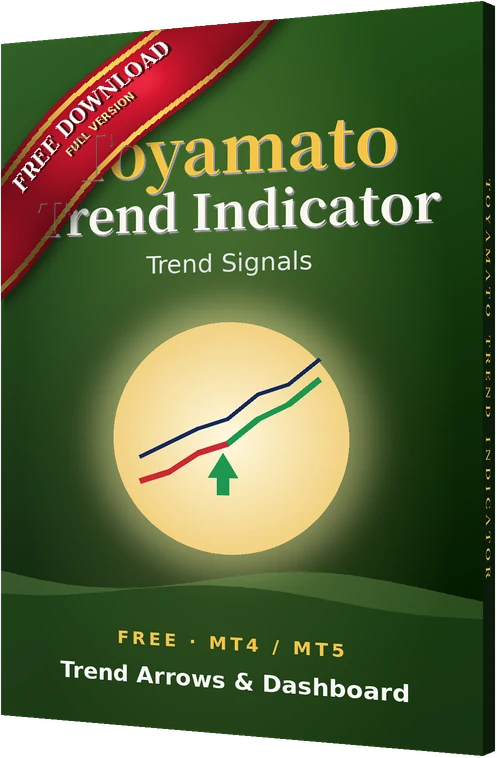
Free · Trend signals · MT4 / MT5
Toyamato Trend Indicator FREE
A trend indicator for MetaTrader 4 and 5. An ATR trend line follows the price, BUY and SELL arrows show where the trend turned, and every past signal gets an honest check mark or X, so you can see how the arrows really performed. A dashboard shows the trend of M15, H1, H4 and D1.
✓ Non-repaintingArrows appear only on closed candles and stay. Only the trend line of the live candle follows the price until the candle closes.
- PriceFree
- PlatformsMT4 + MT5
- Use onAny symbol · M5–D1
A free analysis tool – not a trade recommendation. Toyamato Trend Indicator does not open trades, and not every signal works. Test it on a demo account first.
How does it work?
- Trend line. Below the price in an up-trend, above it in a down-trend, at a distance of 3 × ATR(10) (adjustable). It only moves in the direction of the trend.
- Arrows. When a candle closes beyond the line, the trend turns and an arrow is drawn. An optional EMA 200 filter keeps only the arrows in the direction of the EMA.
- Result marks. SL = the trend line at the signal, TP = 1.5 × the risk. A check mark if the TP was reached first, an X if the SL was hit first. The panel shows the result of the last 50 signals.
- Dashboard. The trend of M15, H1, H4 and D1 on the panel, so you can trade with the bigger trend.
Features
Trend line and arrows
Green and red trend line with BUY / SELL arrows on closed candles.
Honest result marks
Check marks and X on the chart, plus the statistics of the last 50 signals.
Entry / SL / TP lines
The levels of the last signal on the chart.
M15 – D1 dashboard
The trend of four timeframes on the panel, in 14 languages, with news lines and alerts.
Specifications
| Platform | MetaTrader 4 and MetaTrader 5 |
|---|---|
| Trend line | ATR(10) × 3, adjustable |
| Filter | Optional EMA 200 |
| Result check | SL = trend line, TP = 1.5 × risk (adjustable) |
| Repaint | No – signals on closed candles only |
| News | ForexFactory calendar lines (Allow DLL imports, or a running Toyamato EA) |
| Languages | 14 (English by default) |
| Price | Free |
Getting started
- Download the MT4 or MT5 version and the PDF manual from the Downloads page.
- Copy it into the
Indicatorsfolder (File > Open Data Folder > MQL4 / MQL5 > Indicators) and restart MetaTrader. - Drag it onto a chart. For the news lines tick Allow DLL imports.
- Choose your language and settings – and watch it on a demo account first.